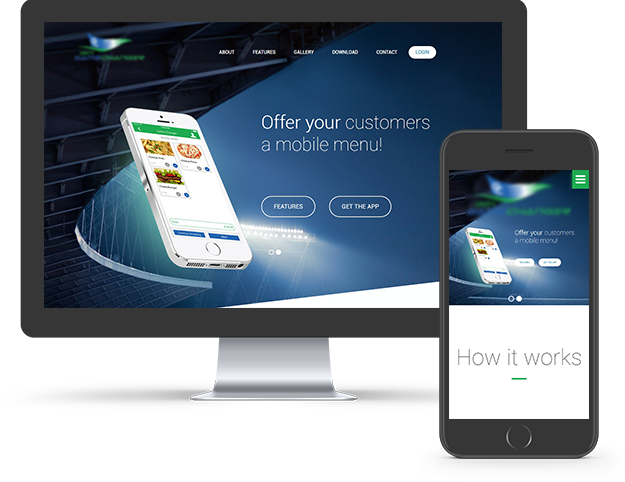

About The Project
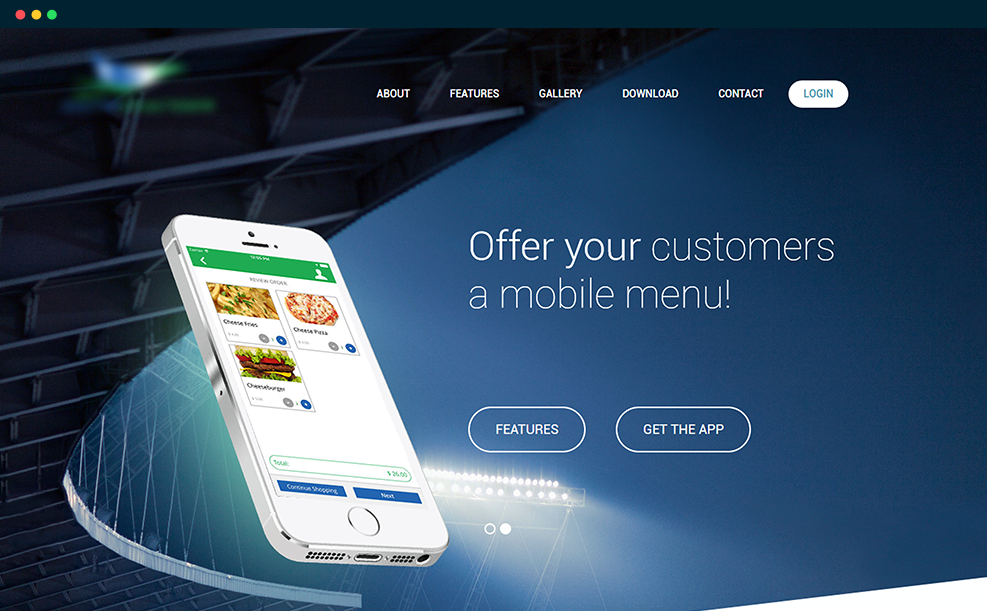
A US-based client was looking to build an intuitive solution that would make it easy for an individual to order food and drinks from an event venue. The client wanted an app that should show a digital menu to a user present at an event menu, place an order and get food delivered at their respective seat.
The client contacted Sufalam with an intention to make a location-based food delivery application for audience at different events taking place in a city or region. The main issue was to integrate Unity Payment Gateway Solution for user payments and developing a system to process refunds in the admin panel.
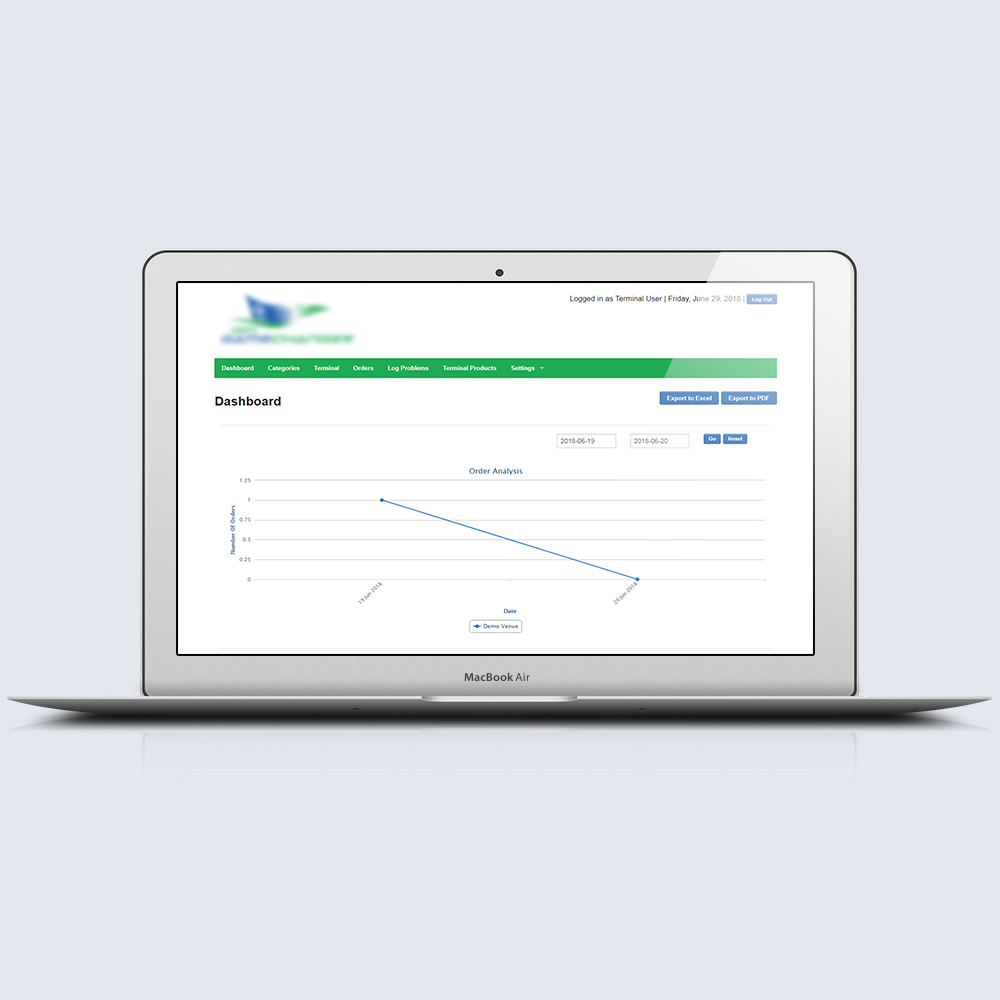
Admin panel dashboard
Solution Offered
Team Sufalamunderstood specific client requirements, studied industry trends and developed an intuitive cross-platform application for food ordering at event venues.
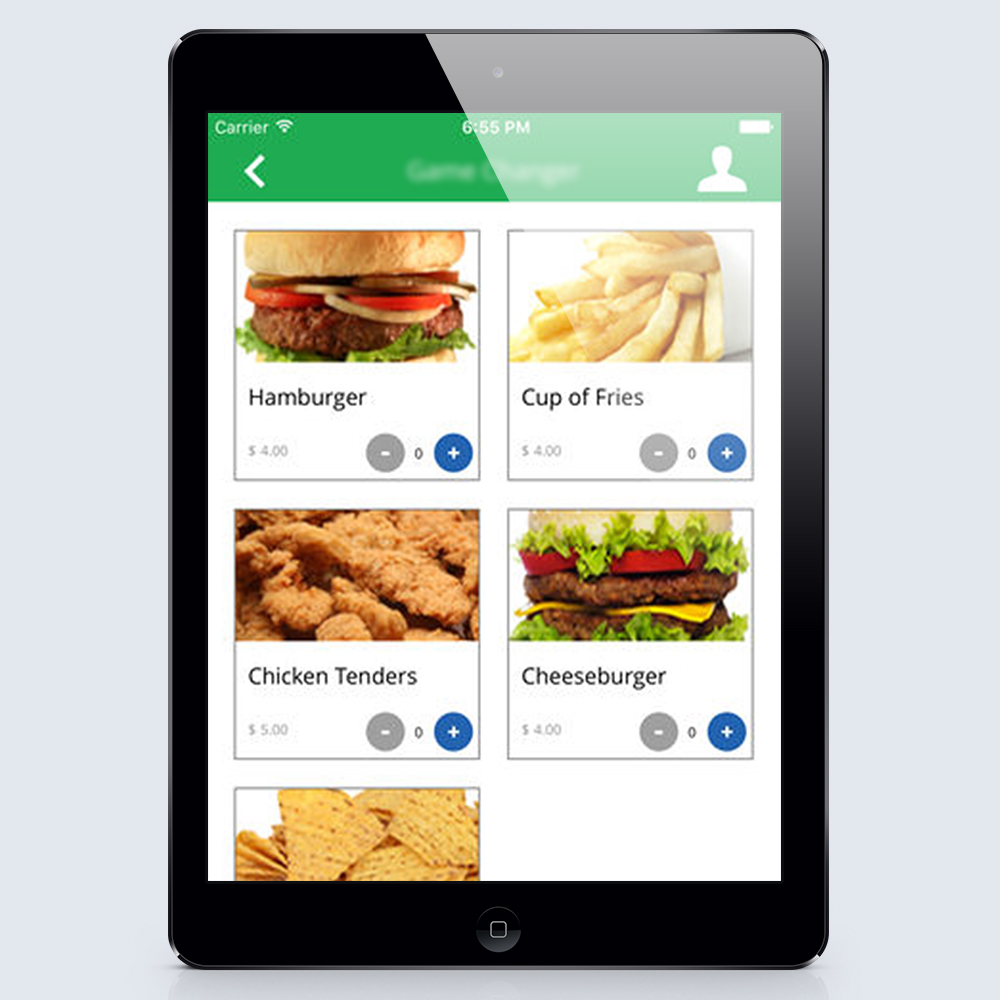
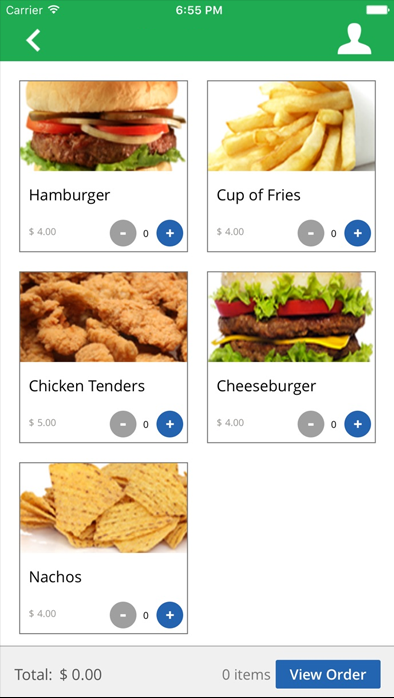
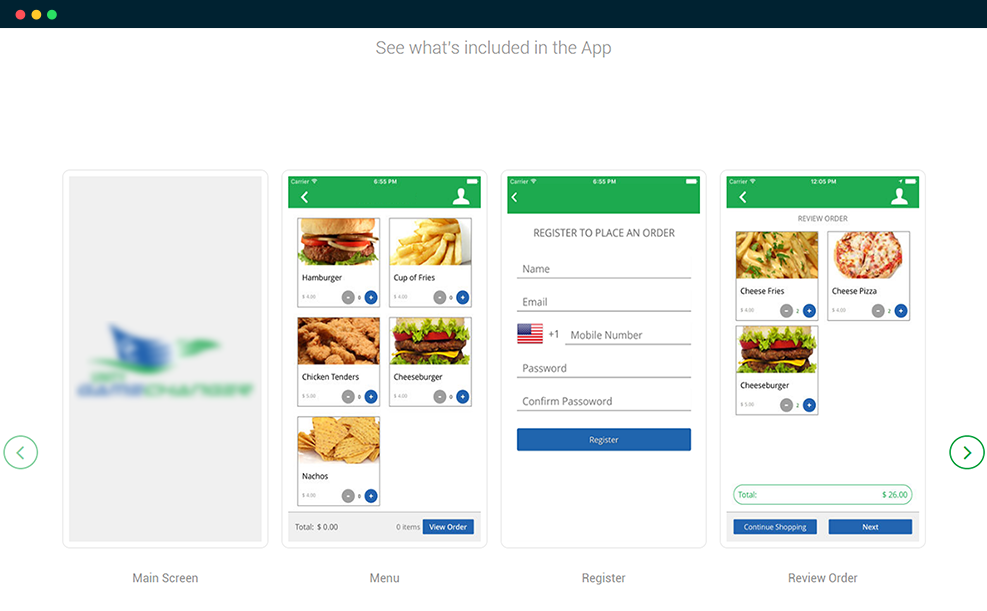
Application food menu screen
Objective
- To build an intuitive food ordering mobile application for people attending events
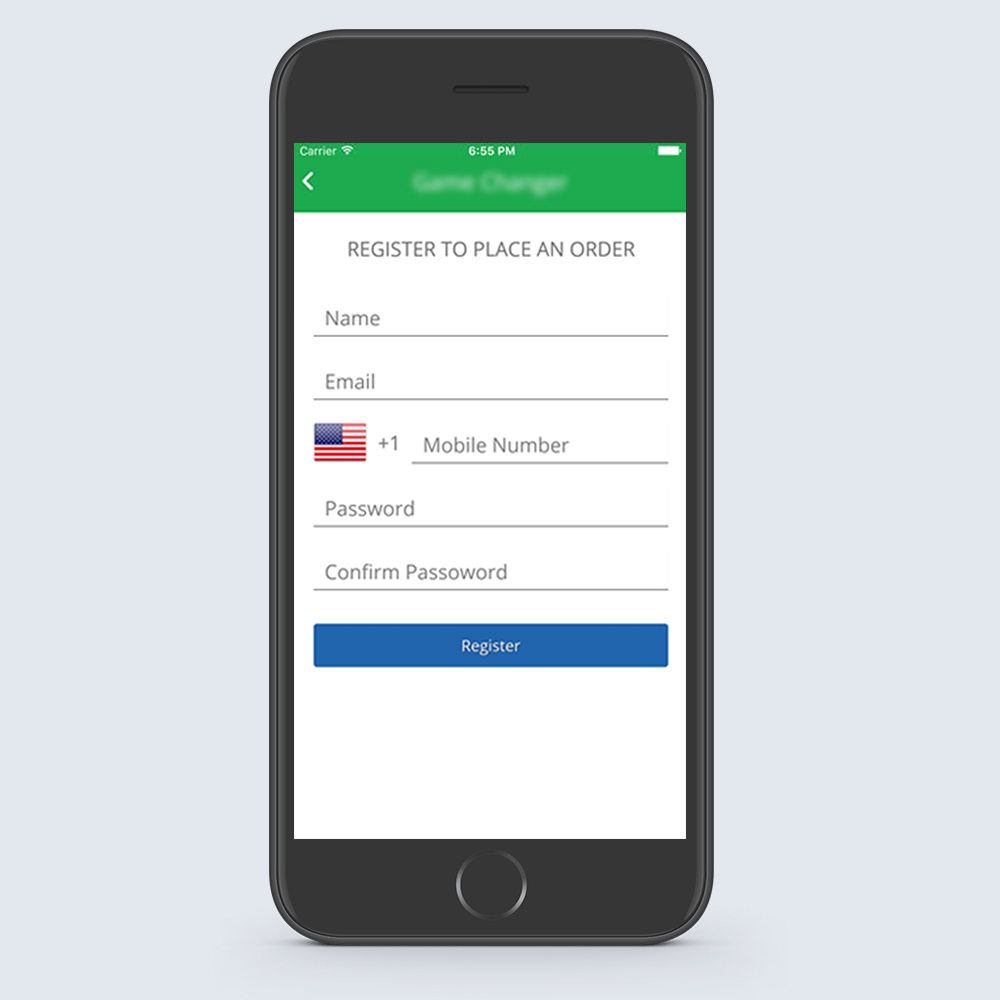
Application registration screen
Key Features
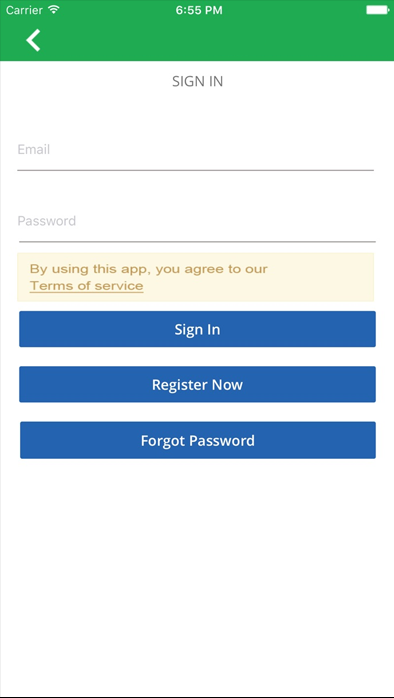
- Login: Login to the app foraccessing payment & tips screen and order food online
- Sign Up: Create new account for ordering food online
- Venue List: To view the list of venues uploaded by the app admin
- Terminal Selection: Select a specific terminal
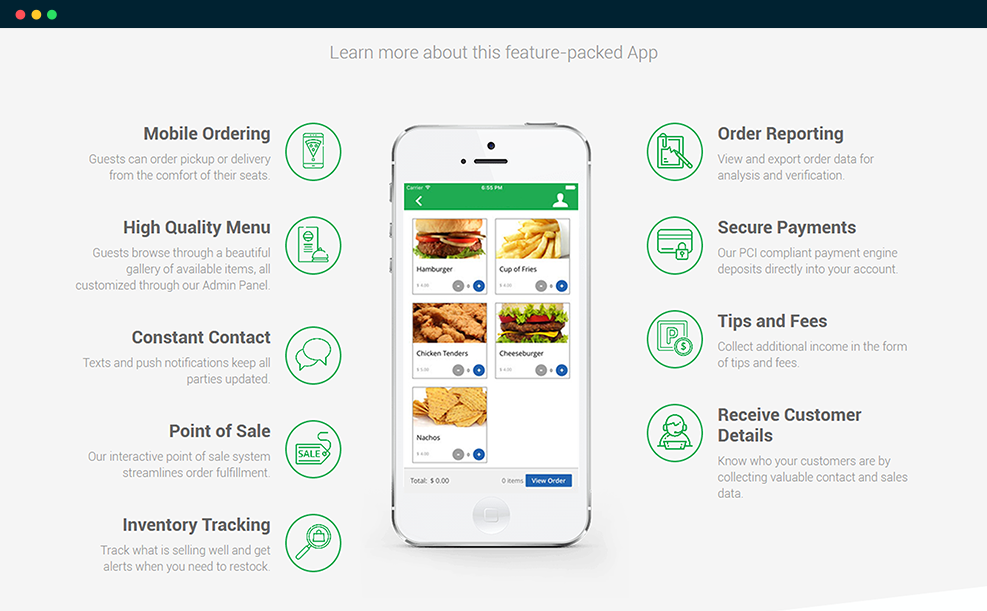
- Food Categories: Check out all food categories available at a particular venue
- Food Items: Browse digital menu to select a particular dish or drink from a category
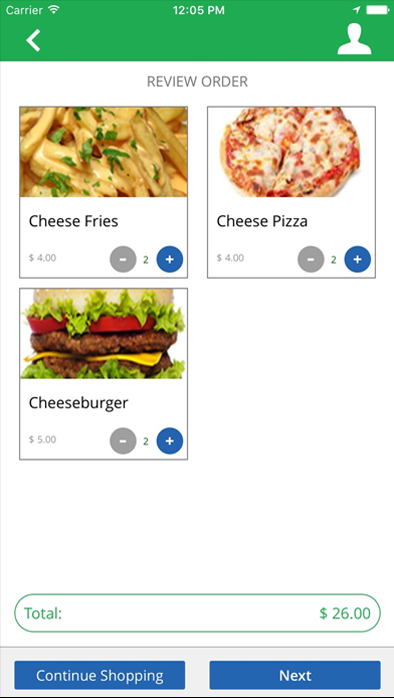
- Tips & Payments: Check out detailed information about price of a particular food product, tip selection, venue charges, etc.
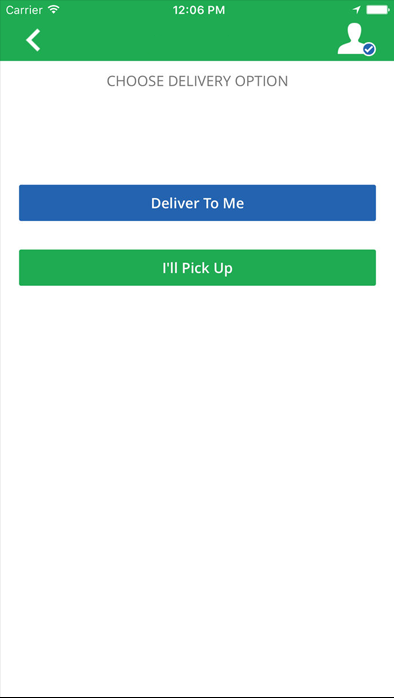
- Order & Delivery: Place order and choose delivery type – deliver at seat or pickup from terminal
- Payment Selection: Choose desired payment options to pay for the food order from debit/credit cards or cash on delivery.
- Order History: Check order history to see the status of past orders
- Product Screen: Check food product details including price. Place/cancel order, reorder, view payment receipt, etc.
- Receipt Screen: View payment receipts with detailed information about products, price, tip, bill total, order ID & date.
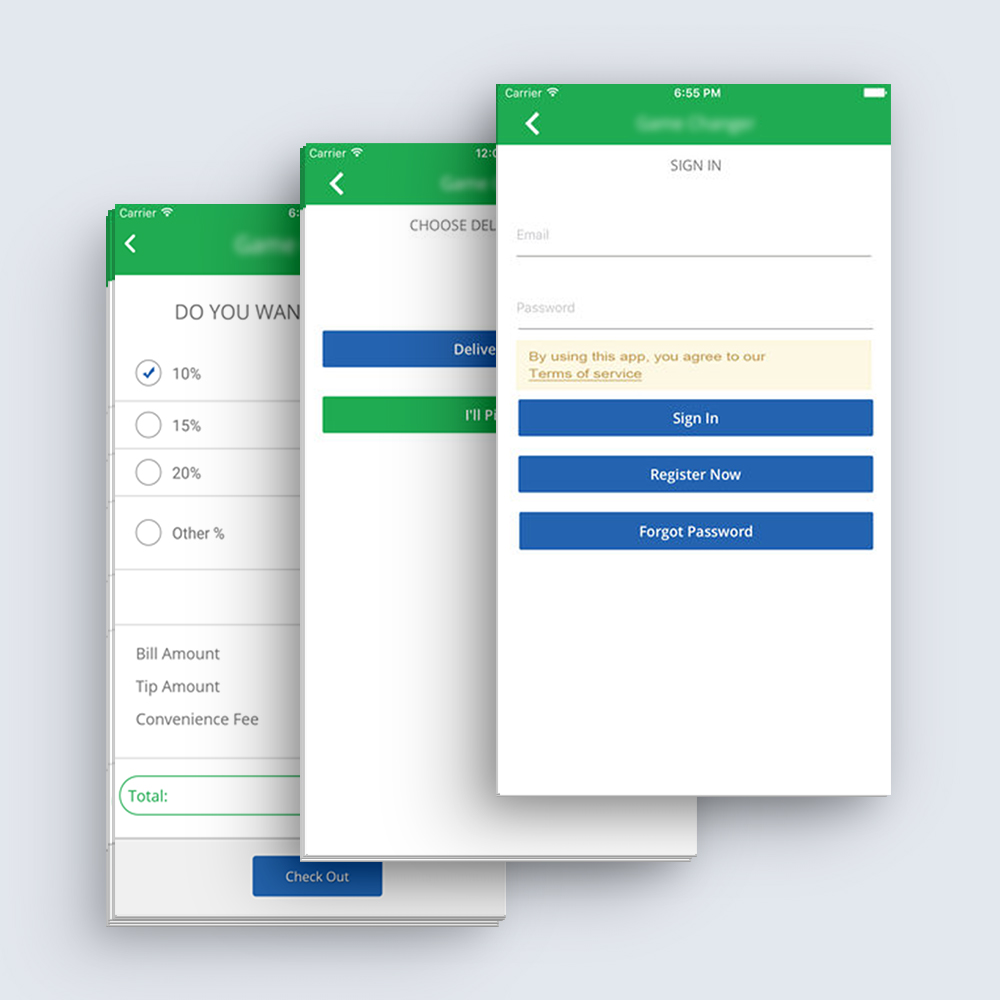
Overview of all screen
Solution Benefits
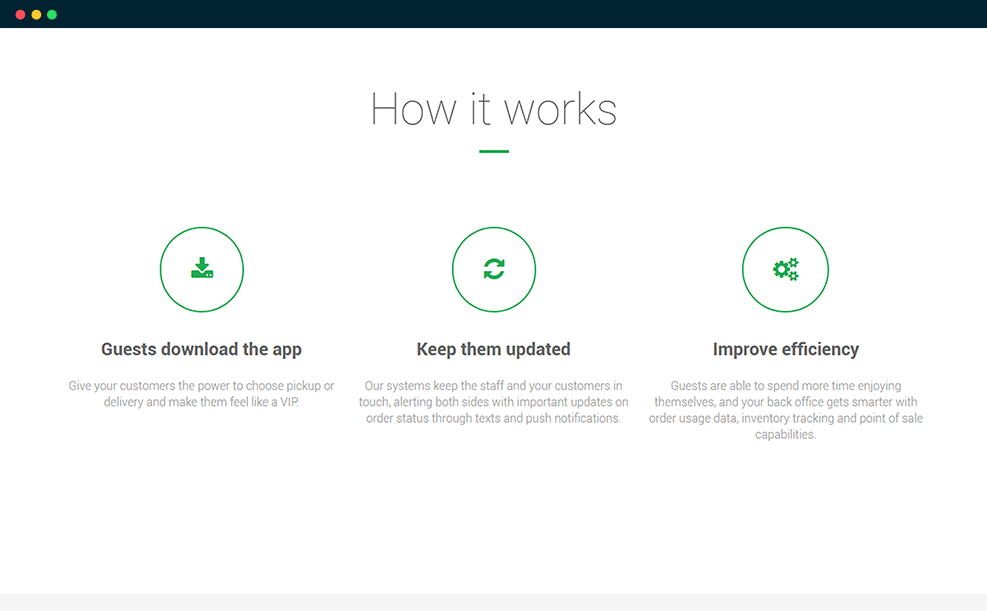
The mobile app helped users to view venue listings, category-wise food listings, prices and other details without logging in. By logging in, users can order food at a venue and pay directly via credit card/debit card or cash on delivery.


Platforms Supported
- iOS: iOS 10.2 or Later- Compatible with iPhone, iPad, and iPod Touch
- Android: Smartphones & Tablets
- Web-based CMS: Supports all web browsers
Tools Technologies Used
-

Xcode
-

Swift
-

HTML
-

Android Studio
-

MySQL